How to Report Illegal Dumping, Missed Pickups or Tall Weeds in Jacksonville: 6 MyJax Steps
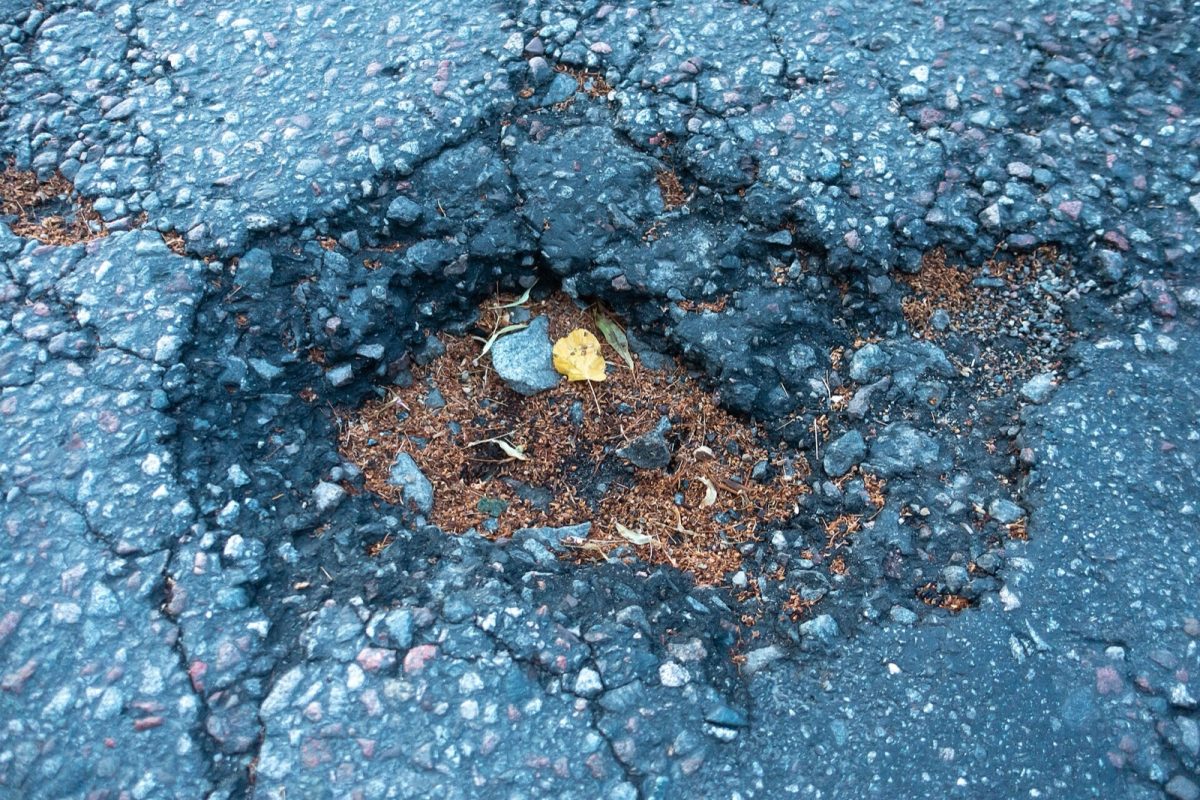
A pothole in asphalt pavement (file photo). Photo: Frankie Fouganthin / Wikimedia Commons (CC BY-SA 4.0)
JACKSONVILLE, Fla. - Jacksonville residents can report illegal dumping, missed garbage pickups, tall weeds and other neighborhood problems through the city's MyJax service portal or by calling 630-CITY. The online process takes six steps, starting with creating an account and choosing the right request type. Residents can also use MyJax to check the status of a request after submitting it.
MyJax connects residents with city services and information under the motto "One City. One Jacksonville." The portal covers 19 service topics, including waste collection, mowing and landscaping, environmental quality, and streets and drainage. Residents can use it to submit service requests, check existing requests or find answers to questions about city services.
Step 1: Open MyJax and Create an Account
Start by visiting the city's MyJax service portal at myjax.custhelp.com. Look for the LOGIN or Sign-Up option in the upper right corner of the page. The city requires an account before you can submit a service request online.
If you already have an account, log in before proceeding with your report. If you do not have one, select the sign-up option and complete the account process. Once you have logged in, you can begin selecting the service that matches the problem you want to report.
Residents who prefer to speak with someone can call (904) 630-CITY (2489). The city also lists the number as (904) 255-CITY (2489). Customer service can help residents who are unsure which service category they need.
Step 2: Choose the Correct Request Type
After logging in, select the service request type that most closely describes the problem. MyJax organizes requests into categories covering city services, neighborhood maintenance, waste collection and property conditions. Choosing the correct type helps identify exactly what you want the city to address.
For illegal dumping, the location matters when selecting a request. The city provides separate categories for dumping on vacant lots and dumping on city rights of way. It also distinguishes ordinary trash or litter from other conditions involving private property.
Which Request Type Should You Pick?
Use the following MyJax request types to match common problems with the categories available in the city's system: Each row pairs a common problem with the exact request type name the city lists. Picking the matching name helps route the report to the right team.
| Problem | MyJax request type |
|---|---|
| Trash or litter in a city park | Trash/Litter at City Park |
| Litter along a city right of way | Trash/Litter on City Right of Way |
| Trash covering most of a private property | Trash/Litter on Majority of Private Property |
| Illegal dumping on an empty lot | Illegal Dumping - Vacant Lot |
| Illegal dumping along a city right of way | Illegal Dumping - City Right of Way |
| Illegal advertising signs | Illegal Snipe/Bandit Signs |
| Tire or appliance collection | Schedule Tire or Appliance Collection |
| Garbage or recycling not collected | Missed Waste Collection |
| Graffiti | Nuisance Graffiti |
| Unsanitary private property | Unsanitary Conditions on Private Property |
| Overgrown grass or weeds | Weeds/Grass over 15 Inches |
| Construction signs left after completed work | Leftover Roadwork Construction Sign |
The construction sign category applies when signs remain after a project is finished and no active work is happening. For overgrown vegetation, the city's listed request type specifically refers to weeds or grass over 15 inches. If none of the descriptions clearly matches the problem, call (904) 630-2489 for help choosing a category.
Step 3: Enter the Exact Location
MyJax asks residents to identify where the problem is located. You can type an address into the field inside the map or move the red location pin to the correct spot. The city allows residents to drag and drop that pin to identify the exact location of the reported condition.
Our advice: Use the most precise location information available when filing your report. Enter the exact address when possible, or move the red pin to the location you want the city to review. This is especially useful when reporting a problem that may not be directly associated with a particular address.
Location also helps you decide which request type applies. For example, MyJax distinguishes between illegal dumping on a vacant lot and illegal dumping on a city right of way. Review your selected request category alongside the map location before moving to the next step.
Step 4: Describe the Problem
After entering the location, MyJax asks for information about the condition you are reporting. The city instructs residents to answer the prompted questions or enter a brief written description. Use this part of the request to explain the problem clearly.
For a missed pickup, select the Missed Waste Collection request type and describe the collection problem. For overgrown vegetation, use the Weeds/Grass over 15 Inches category when it matches the condition. For litter or dumping, choose the appropriate location-based category and describe the material or condition you want reported.
There is an important timing detail for missed waste collection. If today is your scheduled collection day, your hauler has until 6 p.m. to collect your waste or pick up tires and appliances. Keep that deadline in mind when deciding whether to report a missed collection.
Step 5: Attach Photos or Other Files
MyJax allows residents to attach supporting files to service requests. Photos, videos and documents are among the materials the system accepts. Attachments are optional, so the city does not require them as part of every report.
Our advice: Add a photo when it helps explain the condition you are reporting. A picture can provide additional visual detail alongside the location and written description. Make sure the image relates to the problem identified in your request.
You can also provide information through the questions and description fields without attaching a file. The submission process includes both written details and optional supporting materials. Review what you have entered before submitting the completed request.
Step 6: Submit and Track Your Request
Once you have selected the correct category, entered the location and provided details, submit the request through MyJax. Submission is the final step in the city's six-step reporting process. Residents can then use MyJax to check the status of service requests.
Our advice: Save your request number so you can refer to it when checking the status. Keeping that information available can make it easier to identify the report you submitted. If you need assistance, contact 630-CITY and explain the type of service request involved.
The portal provides a way to check request status, but the information reviewed for this guide does not specify response or completion times. A submitted report should not be confused with confirmation that the reported condition has been resolved. Use the status-checking feature to follow the request.
Other MyJax Services: Waste Schedules and Garbage Carts
MyJax offers more than a way to report neighborhood problems. The portal includes a Waste Collection Wizard and a residential waste collection schedule lookup by address. Residents can use these tools when looking for waste collection information before submitting a related request.
The city also provides information about garbage and recycling carts. Recycling carts are available to all residents, while garbage carts are available to residents served by Waste Pro only. An additional large cart costs $65.
Residents who want a larger cart can request a swap through MyJax or by calling 630-CITY. The city says the first cart swap is free of charge. This gives residents another service option within the same system used to report missed collections and other waste-related problems.
MyJax covers other topics beyond trash collection and illegal dumping. Its 19 service areas include Animal, Buildings & City Development, Community Services, Consumer Affairs, Electric, Water & Sewer, Environmental Quality, Fire & Rescue, Housing, Libraries, Mosquitos, Mowing & Landscaping, Other Services, Parking, Parks & Recreation, Property, Public Buildings, Signs, Signals & Roadway Markings, Streets, Sidewalks & Drainage, and Waste Collection. Each topic opens its own list of request types and answers.
The city's website also lists related resources, including JaxGIS, JEA, the Tax Collector, the Property Appraiser, the city's Waste Wizard and the JaxReady app. These resources appear alongside the city's service information. MyJax remains the direct portal for submitting and tracking the service requests described in this guide.
Jacksonville Service Numbers and Hours
Residents can contact MyJax by telephone, email or fax. Customer service hours vary by day, with extended Friday hours and limited Saturday service. The city also offers accommodations for people with disabilities upon request.
| Contact or service | Number or information |
|---|---|
| MyJax customer service | (904) 630-CITY (2489) |
| Alternate listed number | (904) 255-CITY (2489) |
| MyJax email | [email protected] |
| Fax | (904) 255-4968 |
| Monday through Thursday | 8 a.m. to 5 p.m. |
| Friday | 8 a.m. to 7 p.m. |
| Saturday | 8 a.m. to noon |
| Sunday and holidays | Closed |
| Sheriff's Office dispatch for public safety issues | (904) 630-0500 |
| Life-threatening emergencies | 911 |
| MyJax website | myjax.custhelp.com |
For public safety issues, the city directs residents to the Jacksonville Sheriff's Office dispatch at (904) 630-0500. Life-threatening emergencies should go to 911 instead of the routine MyJax service process. For questions about choosing a reporting category, residents can call 630-CITY during customer service hours.
How We Did This
Jax Times prepared this guide using information from the City of Jacksonville's MyJax service portal at myjax.custhelp.com and the city's website at jacksonville.gov. Sources included the MyJax answer titled "How to Report Trash, Litter or Illegal Dumping," the city's waste cart information and its published service contact details. The information was checked Oct. 25, 2026, and the practical recommendations identified as our advice are separate from the city's instructions.
Sources: City of Jacksonville MyJax service portal (630-CITY); jacksonville.gov
News organizations may republish this story with credit. See our guidelines.
Know someone who'd want to read this? Email it to a friend.
Own a Jacksonville business? Introductory ad rates from $125/month. See ad options Follow Jax Times on FacebookLocal news, events and people, in your feed every day.Most read this week
- Florida's 3 Constitutional Amendments on the Nov. 3 Ballot, Explained in Plain English
- Coastal Flood Warning for Jacksonville: Water Peaks Sunday and Monday Mornings in 5 Flood-Prone Areas
- Florida Is Holding $3 Billion in Unclaimed Money. Here's How Jacksonville and St. Augustine Residents Can Search for Free
- Jacksonville Fair 2026 Guide: Dates, Gate Times, Ticket Prices, Free Days and Every Concert (Nov. 5-15)
- Fire Destroys Golf Carts of St. Augustine Building on U.S. 1: What We Know, What Happens Next and 9 Golf Cart Battery Safety Rules
More stories
 Local Jacksonville Skyway Stops Running Nov. 2: Last Week to Ride and What Changes for JTA Riders
 Local Jacksonville Beach Pier by the Numbers: 1,300 Feet, 2 Hurricanes, a 6-Year Rebuild and a $2.50 Walk
 Local Anastasia State Park by the Numbers: 1,600 Acres, 4 Miles of Beach and the Quarry That Built the Castillo
 Local Fort Clinch State Park by the Numbers: A Fort Begun in 1847, 69 Campsites and a $2.50 Ticket to the Walls
Comments
Be respectful. No personal attacks, hate speech, spam or anyone's private information. Every comment is reviewed before it appears. Comment rules
No comments yet. Be the first to share your thoughts.